


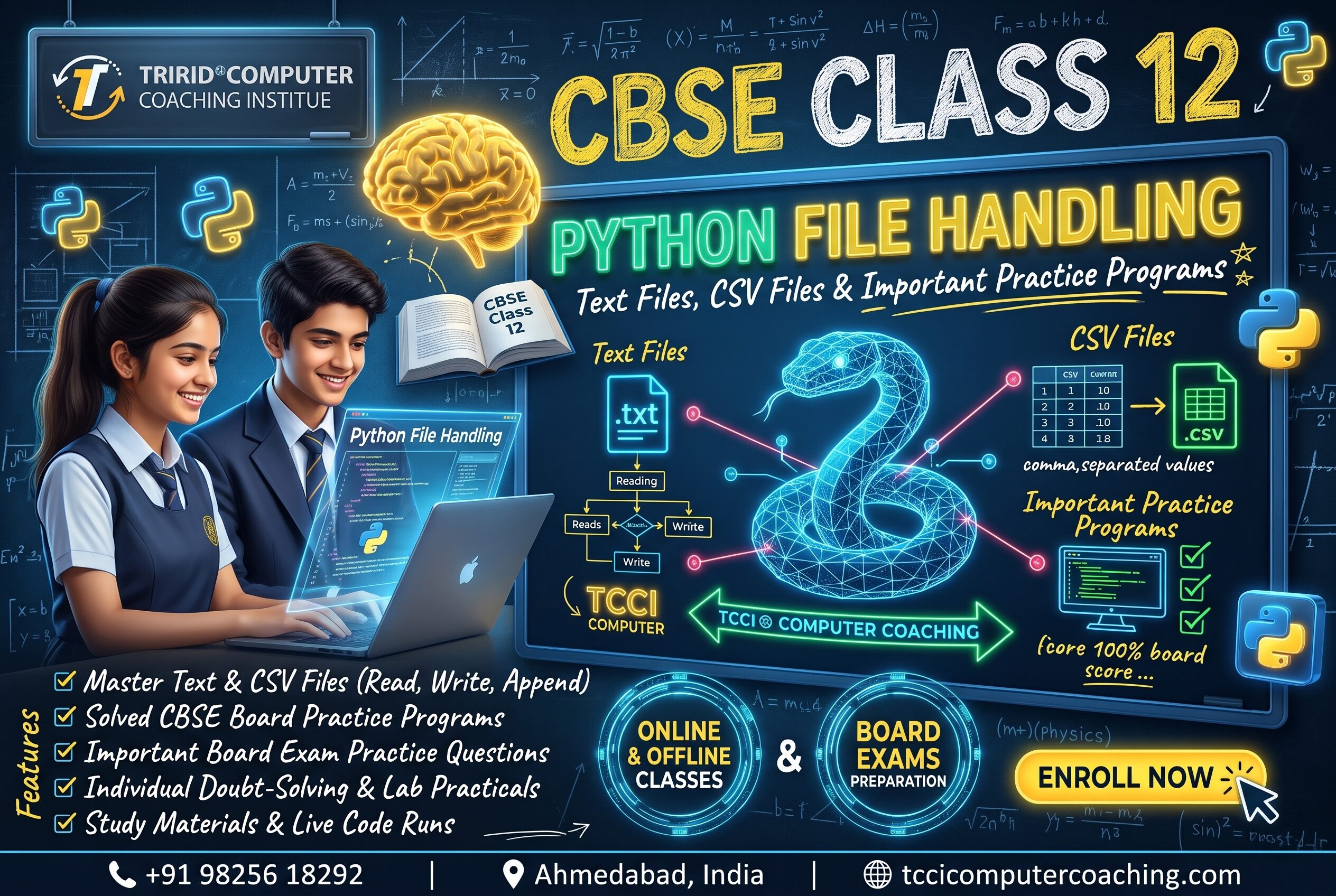
File Handling is among the top performing and most commonly assessed topics in the CBSE Class 12 Computer Science (Subject Code 083) Theory and Lab syllabi. Unlike standard Python variables that are ‘erased’ post-programme execution, files enable you to store, access and manipulate data for long term on secondary storage. If you want structured school-level support, explore our school computer course or read our computer courses for school students guide. Unfortunately, many students in Class 12 make basic errors when using file handlers including incorrect file open modes, neglecting CSV newline settings and/or rote learning rather than fully comprehending file pointer functionality.
Below is a concise summary of Text and CSV File Handling in Python, alongside recommended practice programmes to ensure you maximise your CBSE Class 12 Computer Science results. You can also strengthen your core logic through our programming course or flexible online computer courses.
🚀 Core File Handling Workflow in Python
[Open File – Mode] [Read/Write/Append] [Manipulate Lines/Rows] [Close File]
1. Text File Handling (.txt)
Text Files are plain text based and comprise either ASCII or Unicode characters. Each line of text is terminated with an End-of-Line (\n) symbol.
Common File Open Modes and Functions
- Opening Modes: Files can be opened in
read (r)mode (which throws an error if the file does not exist);write (w)mode (which not only replaces data but will also generate a file if it does not already exist);append (a)mode (which appends new information to the end of a file and does not erase previous data); or inr+/w+/a+mode to simultaneously read and write. - Utilising the ‘with’ Clause: When using
with open("notes.txt", "r") as f:, the file will be correctly closed after the indented section has been completed. This avoids memory leaks and data compromise. - File Reading Functions: The
read(n)function extractsncharacters (or all characters ifnis not specified). Thereadline()function extracts one line of text and outputs it as a string. Finally, thereadlines()function provides a Python list containing all the text file lines, each as a string. - File Writing Functions and Pointers: The
write(str)function inserts a string into the file. Thewritelines(list)function incorporates several strings. Thetell()function states the current file pointer byte location and theseek(offset)function relocates the pointer.
2. CSV File Handling (.csv)
CSV files utilise plain text to present data in a table format. Each line within a CSV file constitutes a data row and column values are demarcated by a delimiter (typically a comma ,).
Important csv Module Functions
- Importing and Newline Setting: Always import Python’s in-built
csvmodule. Further, open CSV files in write mode specifyingnewline=""(for example,open("students.csv", "w", newline="")) so as to avoid the appearance of redundant blank lines on Windows operating systems. - Inserting Information: First instantiate a writer object (
writer_obj = csv.writer(f)). Subsequently, employwriterow(list)to insert one data row orwriterows(nested_list)to input several data rows. - Extracting Information: Produce a reader object (
reader_obj = csv.reader(f)) and then iterate over it using afor row in reader_obj:loop. Each data row is outputted as a list of strings.
💻 3. Important Board Practice Programs (Text & CSV)
Practicing these exact board-pattern functions will prepare you for 3-mark and 5-mark programming questions:
Program 1: Count Vowels, Uppercase, and Lowercase Characters in a Text File
def count_characters():
    vowels = "aeiouAEIOU"
    v_count = u_count = l_count = 0
    with open("story.txt", "r") as f:
        data = f.read()
        for ch in data:
            if ch in vowels:
                v_count += 1
            if ch.isupper():
                u_count += 1
            elif ch.islower():
                l_count += 1
    print("Vowels:", v_count, "Uppercase:", u_count, "Lowercase:", l_count)
Program 2: Read a Text File Line by Line and Display Each Word Separated by #
def format_words():
    with open("story.txt", "r") as f:
        for line in f:
            words = line.split()
            print("#".join(words))
Program 3: Write and Search Student Records in a CSV File
import csv

def add_student():
    with open("result.csv", "a", newline="") as f:
        w = csv.writer(f)
        roll = input("Enter Roll No: ")
        name = input("Enter Name: ")
        marks = int(input("Enter Marks: "))
        w.writerow([roll, name, marks])

def high_scorers():
    with open("result.csv", "r") as f:
        r = csv.reader(f)
        for row in r:
            if row and int(row[2]) > 85:
                print("Roll:", row[0], "Name:", row[1], "Marks:", row[2])
🏆 Score Full Marks in CBSE Class 12 Python with TCCI
Schools frequently rush through important areas of the syllabus such as File Handling, Binary Pickle, Stacks and Python-SQL, often leaving students feeling anxious around pre-board and lab vivas.
At TCCI – Tririd Computer Coaching Institute, we support CBSE Class 11 and 12 Computer Science and Informatics Practices (IP) students in gaining a thorough fundamental knowledge of Python through our Live 1-1 Interactive Mentoring service. Our services include:
- Exclusive 1-1 Board Tuition: Benefit from instruction by Mrs. Riddhi Dhandha (M.E. in Computer Engineering and with over 20 years’ technical teaching experience) so as to optimally understand concepts in your preferred manner.
- ‘Logic-First’ Revision Approach: We equip you with the skills to manually simulate programme execution, analyse file pointers (
seekandtell) and formulate lucid, well structured responses for boards in order to attain 100% marks for both logic and code quality. - Comprehensive Practical and Viva Assistance: Obtain guidance in producing your compulsory set of >15 Python programmes, SQL statements, Python-MySQL connection programmes and concluding Class 12 Investigatory Project.
- Outstanding On-site and Online Access: Attend our practical classes held in Navratna Corporate Park (Ambli Road) which serves Main Bopal, South Bopal, Iskcon Cross Road, Satellite and Thaltej students. Or alternatively, participate in Live 1-1 Online Tuition sessions synchronised with your school examination timetable.
Make Python File Handling your top-achieving topic this CBSE board cycle.
Need directions or planning a visit for board exam coaching in Ahmedabad? Check TCCI – Tririd Computer Coaching Institute on Google Maps to view our location in Bopal, Ahmedabad.