


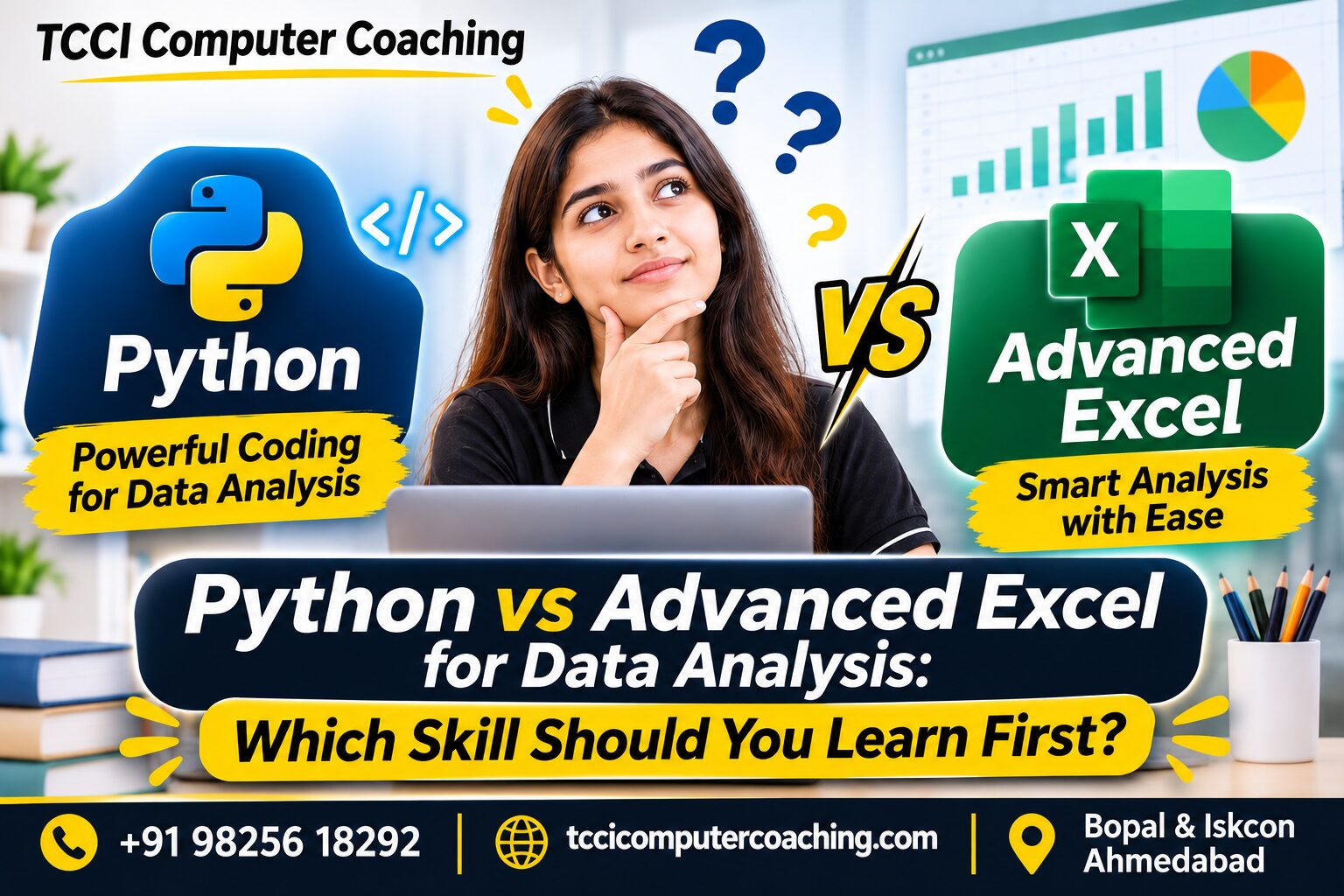
Compare Python vs Advanced Excel for data analysis, explore their features, career applications, and discover which skill beginners should learn first.
With the advent of data analysis being a crucial skill in the industry, the ICT sector is no exception. Data are used in business to understand customers, track business performance, prepare reports, look for trends and make better decisions. This has led to an increasing interest among students, graduates and professionals in learning data analysis tools. If you are starting your journey, you can read our best data analytics courses for beginners guide.
Popular beginner’s languages and tools include Python and Advanced Excel. They both allow users to interact with data, but have different uses and different technical levels. You can also explore our core programming course.
Now, in order to compare data analysis in Python vs Excel, which one should you learn first? Should you start with Advanced Excel or directly learn Python?
The right one depends on your skillset, career aspirations and what kind of data-related tasks you want to execute. Let’s look at both alternatives so you are able to make an informed decision.
What Is Advanced Excel for Data Analysis?
Microsoft Excel is a program that is commonly used to organize, calculate, analyse and present data. Advanced Excel extends on basic spreadsheet skills and adds capabilities to work with a large amount of data and reports more efficiently.
It’s especially beneficial for those who often utilize business information, financial records, sales reports, and operational data. For structured learning paths, you can check our data analytics course.
The following are important Advanced Excel skills:
- Advanced Formulas: IF, SUMIF, COUNTIF, XLOOKUP, INDEX, and MATCH.
- Use Pivot Tables to summarise and analyse large sets of data in a speedy way.
- Data Cleaning: Deal with missing data, eliminate duplicates and arrange data.
- Highlighting important values and patterns: Conditional Formatting.
- Charts and Graphs: Represent data through charts and graphs.
- Power Query: Import, transform and combine data from a variety of sources.
- Create interactive business reports with dashboards.
Advanced Excel is a practical course for all novices as its spreadsheet-like interface will make it easier to understand rows, columns, formulas and data relationships.
What is Python for Data Analysis?
Python is a programming language that’s widely used in automation, software creation, artificial intelligence, and data analysis.
Unlike Excel, Python lets users write code to process, clean, analyse and visualise data. It is particularly helpful for repetitive tasks, larger datasets and more complex analysis workflows.
The following are some of the key Python skills for data analysis:
- Learning Python: Variables, data types, Conditions, Loops and Functions.
- Pandas: Organize, clean, filter and analyze structured data.
- NumPy: Do numerical things and use arrays.
- Use matplotlib: Make charts and data visualisations.
- Seaborn: Create statistical graphics.
- Data Cleaning: Manage missing values, duplicate data and inconsistent data.
- Automation: Automate data-processing tasks with repeatable scripts.
While it has its benefits for users looking to dive deep into advanced analytics, automation, and data science, Python does have some prerequisites—such as a basic understanding of programming.
Python vs Excel Data Analysis: Key Differences
Both tools are valuable, but their strengths are different.
| Comparison | Advanced Excel | Python |
|---|---|---|
| Learning Curve | Easier for spreadsheet beginners | Requires programming fundamentals |
| Main Approach | Formulas, tables, and functions | Code and libraries |
| Data Cleaning | Filters, formulas, Power Query | Pandas and other libraries |
| Data Visualisation | Charts and dashboards | Matplotlib, Seaborn |
| Automation | Macros and Power Query | Python scripts |
| Repetitive Tasks | Useful for spreadsheet workflows | Flexible for automated workflows |
| Best Suited For | Business reports and spreadsheet analysis | Programming-based and advanced analysis |
Which is better? Neither tool is universally better. Advanced Excel is convenient for spreadsheet-based business analysis, while Python offers greater flexibility for coding-based data processing and automation.
Which Is the Best Data Analytics Tool to Learn First?
If you’re not sure of which data analytics tool you should learn first, consider what you already know and what you want to learn.
Select Advanced Excel First If:
- You have no prior experience with data analysis.
- Have limited or no programming experience.
- You’re looking to learn how to report using a spreadsheet.
- You are a salesman, financial professional, administrator or business reporter.
- You are interested in knowing how to develop formulas, Pivot tables, and dashboards.
Learn how data is organised and analysed with Advanced Excel without having to write code.
Select Python First If:
- You have some understanding of basic programming.
- You like to reason and solve problems.
- You wish to use data to program.
- You’re interested in automation, Data Science or AI.
- You would like to investigate more sophisticated data-processing workflows.
For students interested in developing programming-based analytical skills, Python is a good option.
Should You Learn Python or Advanced Excel for Career Growth?
It all depends on the kind of work that you want to go into.
Advanced Excel can be helpful for:
- Information Management & Reporting positions
- Business operations
- Selling and financial disclosure
- Administrative analysis
- Spreadsheet-based data management
Python can be used for:
- Data analysis
- Data science
- Automation
- Software development
- Machine learning and AI related learning
The skills are examples rather than guaranteed job outcomes of an area where they can be applied. Requirements will differ based on position and employer.
Can You Learn Advanced Excel and Python Together?
Yes. Indeed, acquiring proficiency in the two may be a sensible option for students or professionals who are interested in data analysis.
Begin with Advanced Excel to learn how to organise data, create formulas, filter, create Pivot Tables and dashboards. After that, head towards Python and get introduced to the basics of programming, data manipulation using Pandas, and automation.
For instance, you may have a sales spreadsheet in Excel that you analyse before. Subsequently, you can use Python to clean several datasets, automate repetitive calculations, and create reports.
When you put these two skills together, it will help you to learn about working with data in various ways.
Learn Advanced Excel and Python at TCCI – Tririd Computer Coaching Institute
While taking Advanced Excel or Python courses in Ahmedabad, opting for practical training or courses that allow you to apply these concepts to real work can be beneficial. You can browse through our wide range of courses and online computer courses.
TCCI – Tririd Computer Coaching Institute offers students and working professionals the opportunity to study computer education as well as computer skill-based learning like Advanced Excel, Python, Data Science, AI, Power BI, SQL, and programming.
TCCI is an Ahmedabad institution located in Bopal and South Bopal (near Iskcon Cross Road), Ahmedabad that offers learning opportunities to beginners to enhance their computer and analytical skills.
Frequently Asked Questions (FAQs)
1. Is Python better than Excel for data analysis?
Python offers greater flexibility in terms of programming for analysis, automation, and complex data manipulation. Excel is useful for spreadsheets, reporting and for creating interactive dashboards.
2. Should beginners learn Excel or Python first?
Advanced Excel is a good choice for beginners who have no programming experience. For students interested in programming or Data Science, students can opt for programming Python first.
3. Can I learn Python after Advanced Excel?
Yes. Before learning Python programming, you can learn the basics of data organisation and analysis using Excel to get a better understanding of these concepts.
4. Is Advanced Excel enough to start a career in data analysis?
Advanced Excel will be a valuable spreadsheet-based reporting and analysis tool. Other positions might also need to have data analysis skills like SQL, Python, PowerBI and statistics.
5. Which course should I choose: Python or Advanced Excel?
If you need to report and analyse your business in a spreadsheet, take Advanced Excel. If you are interested in learning programming skills for Data Analysis, Automation or Data Science, select Python.
Conclusion
Remember that Python is for solving one type of problem while Excel is for solving another type of problem when considering Python vs Excel data analysis. Advanced Excel is a simple place to begin spreadsheet-based analysis, and Python offers programming flexibility for more sophisticated data workflows.
If you are undecided about the first data analytics tool to learn, start with your future aspirations and what you know. It is also possible to learn Advanced Excel first and learn Python later with growth in analytical and programming skills.
Ready to start learning data analysis? Find TCCI – Tririd Computer Coaching Institute on Google Maps and explore Advanced Excel and Python learning opportunities in South Bopal, Ahmedabad.